---
title: "Switch the View to HTML in the Editor Widget"
slug: "switch-the-view-to-html-in-the-editor-widget"
description: "Learn how to switch between regular and HTML/Code view in the Editor for advanced page editing."
updated: 2025-08-14T14:34:09Z
published: 2025-08-14T14:34:09Z
canonical: "www.civicplus.help/switch-the-view-to-html-in-the-editor-widget"
---
> ## Documentation Index
> Fetch the complete documentation index at: https://www.civicplus.help/llms.txt
> Use this file to discover all available pages before exploring further.
# Switch the View to HTML in the Editor Widget
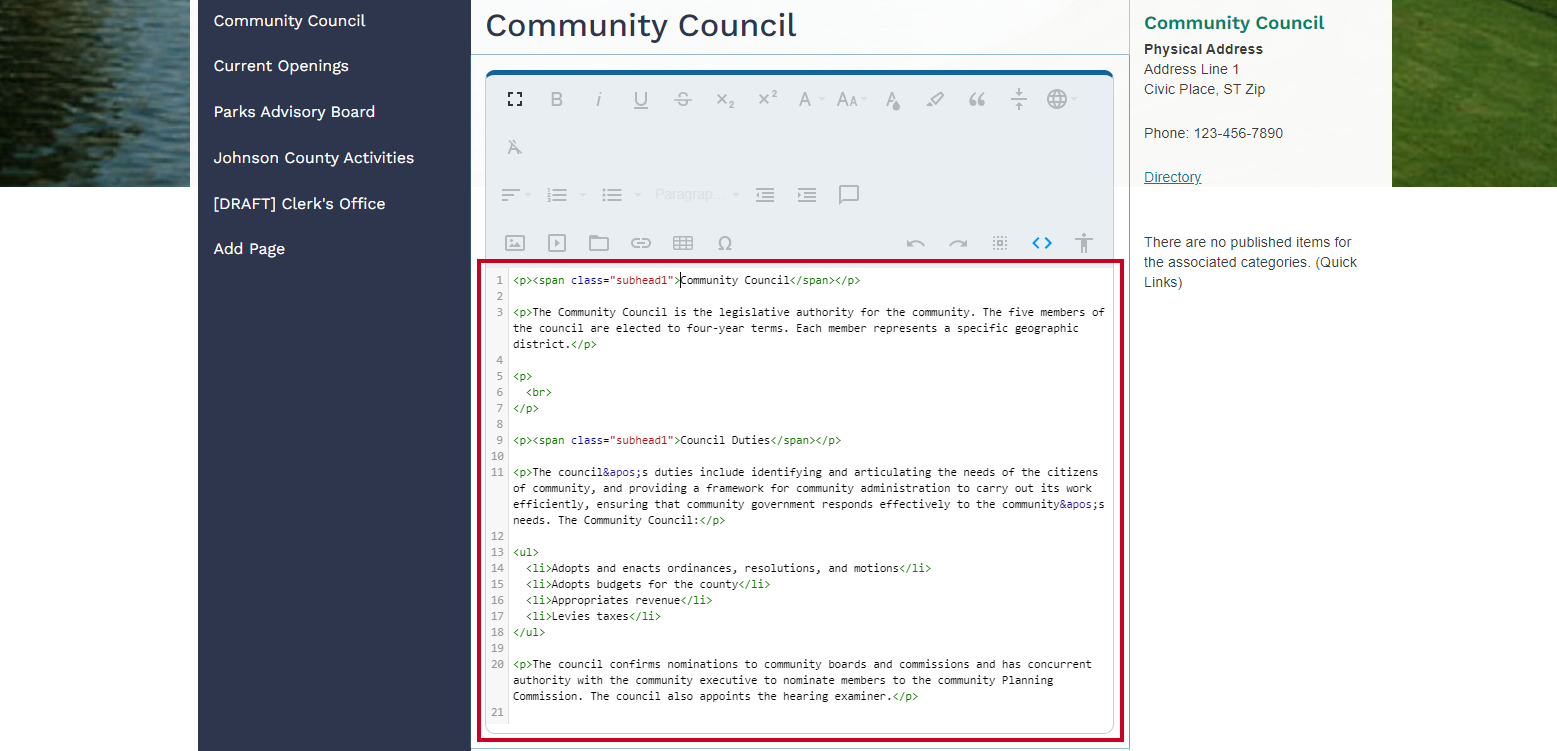
When you edit a page, you can either view the regular **Editor** view, which allows you to modify the front end, or the **HTML/Code** view, which allows you to configure the editor text box from its code source.
> [!TIP]
> Who can use this feature?
>
> System Administrator
## Instructions
[Embedded content](https://www.iorad.com/player/1898341/CivicEngage--How-to-Switch-Your-Editor-Widget-s-View-to-HTML-Practice-Tutorial)
1. Navigate to the desired page
2. Ensure **Live Edit** is turned on 
3. Click into the **Editor** by clicking anywhere in the Editor container area 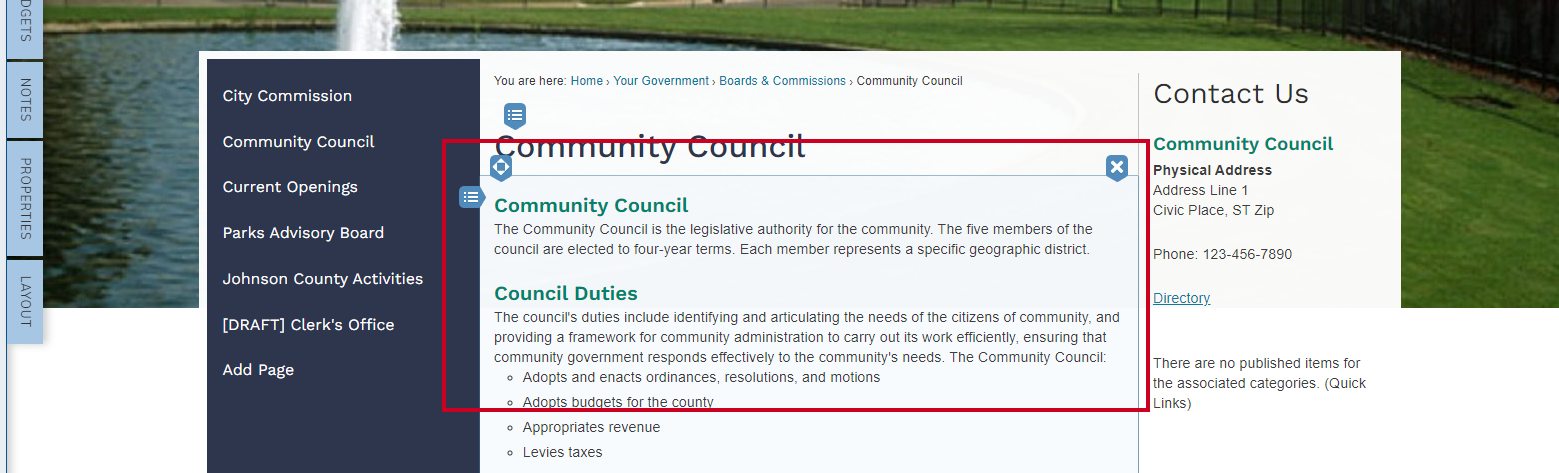
4. Select the **Code View** icon on the second row of the toolbar 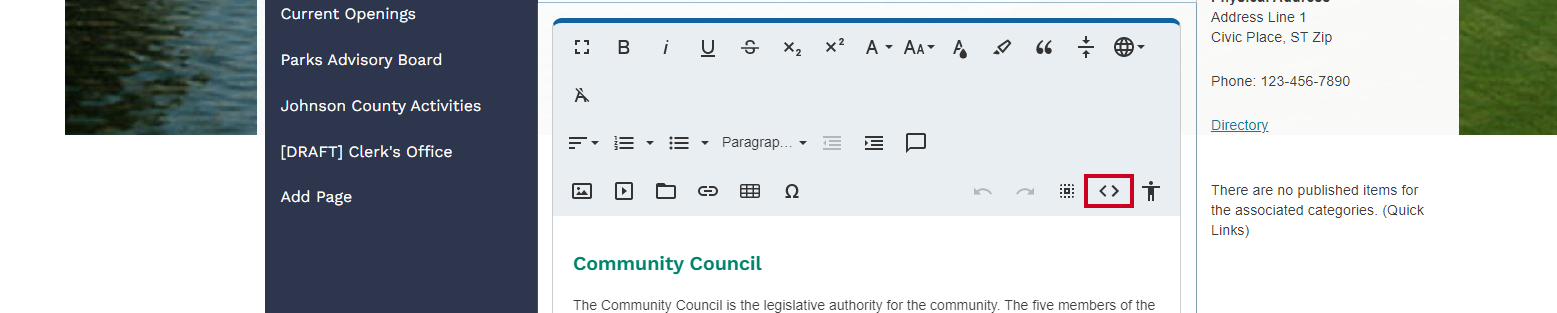
5. You are now in the **HTML view** of the Editor